 Agent Deck for Claude Code
Agent Deck for Claude Code
Every Claude Code session, on your keys.
Run Claude Code in several projects and one of them is always waiting for you. Agent Deck gives each session its own key, shows what it is doing and turns red when it needs an answer. One press takes you to that window.
Everything it needs.
Nothing it doesn't.
You stop hunting for the window that stopped, because the deck already told you which one it was.
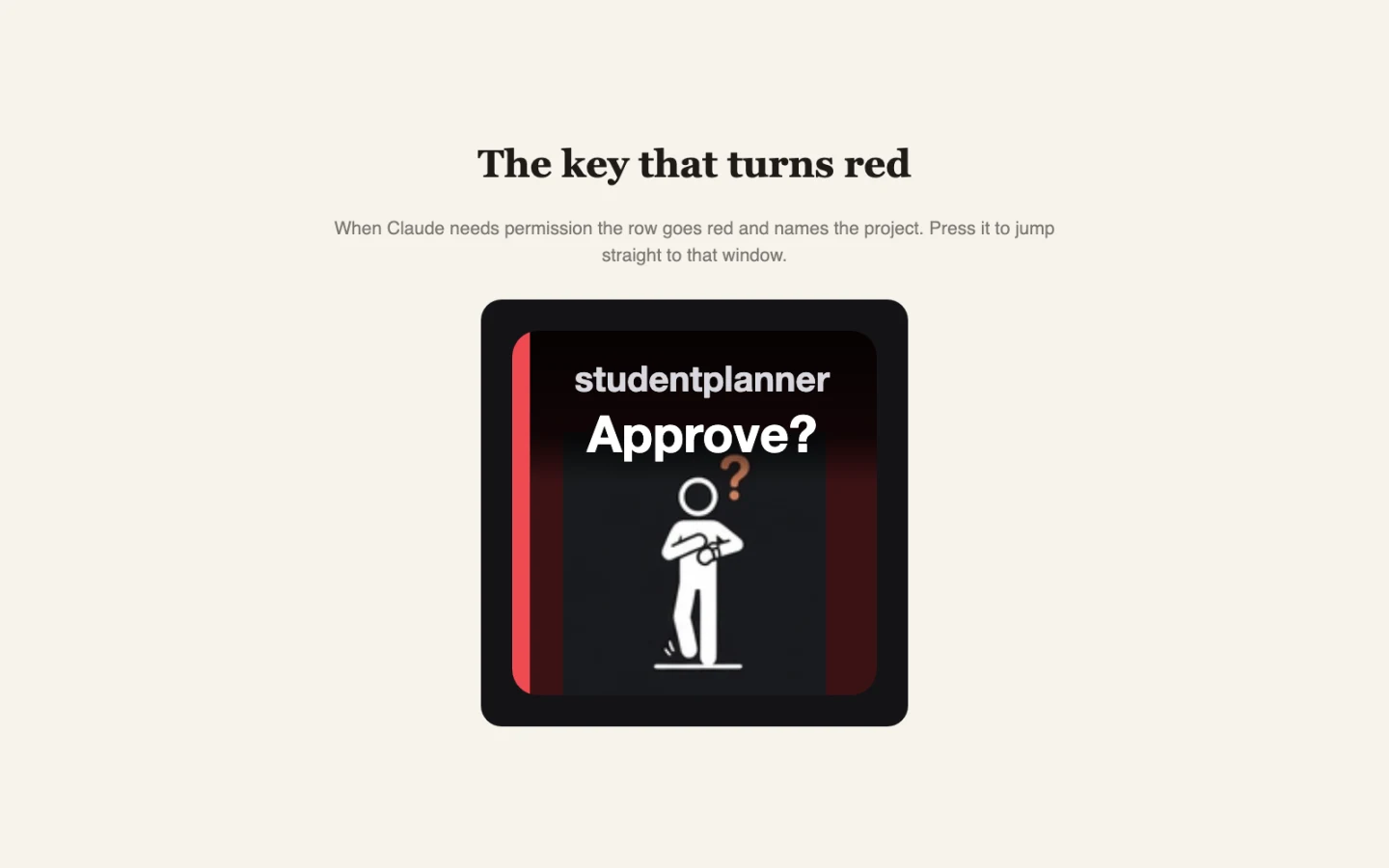
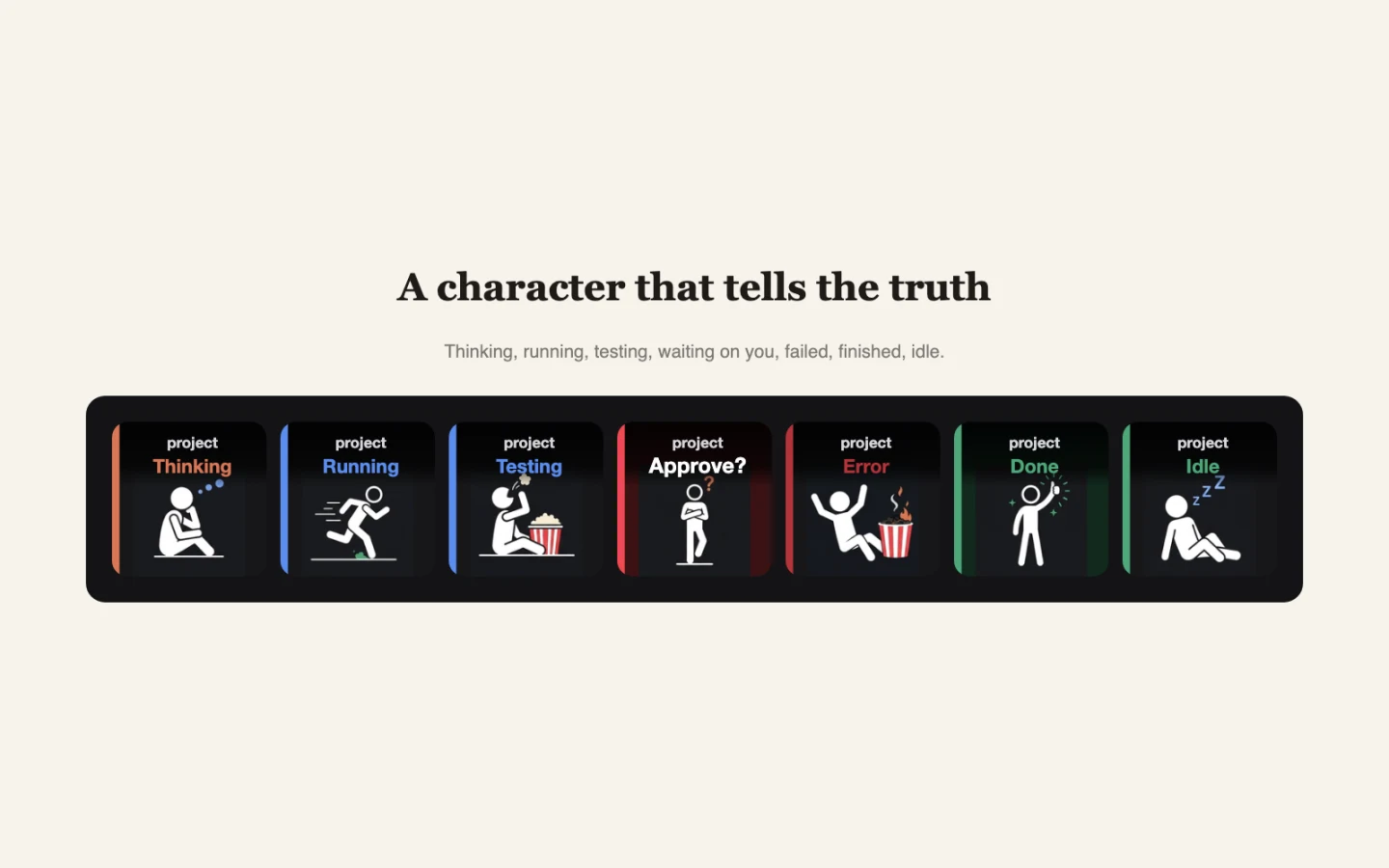
It turns red when Claude needs you
The row for that project goes red and names it. One press takes you straight to the window that is asking.
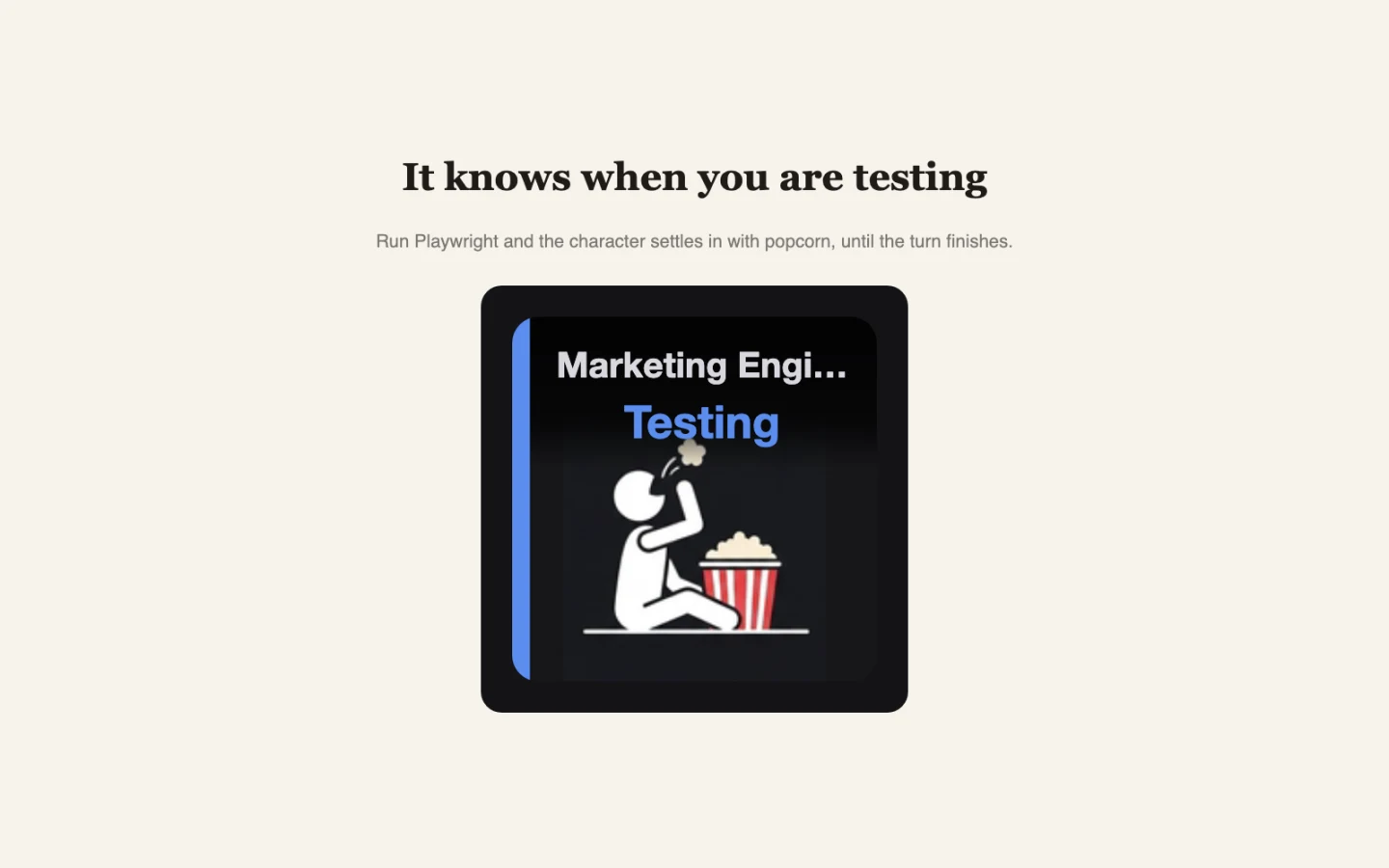
Popcorn while the tests run
When a session drives a browser, the character settles in with popcorn and stays there until the turn ends.
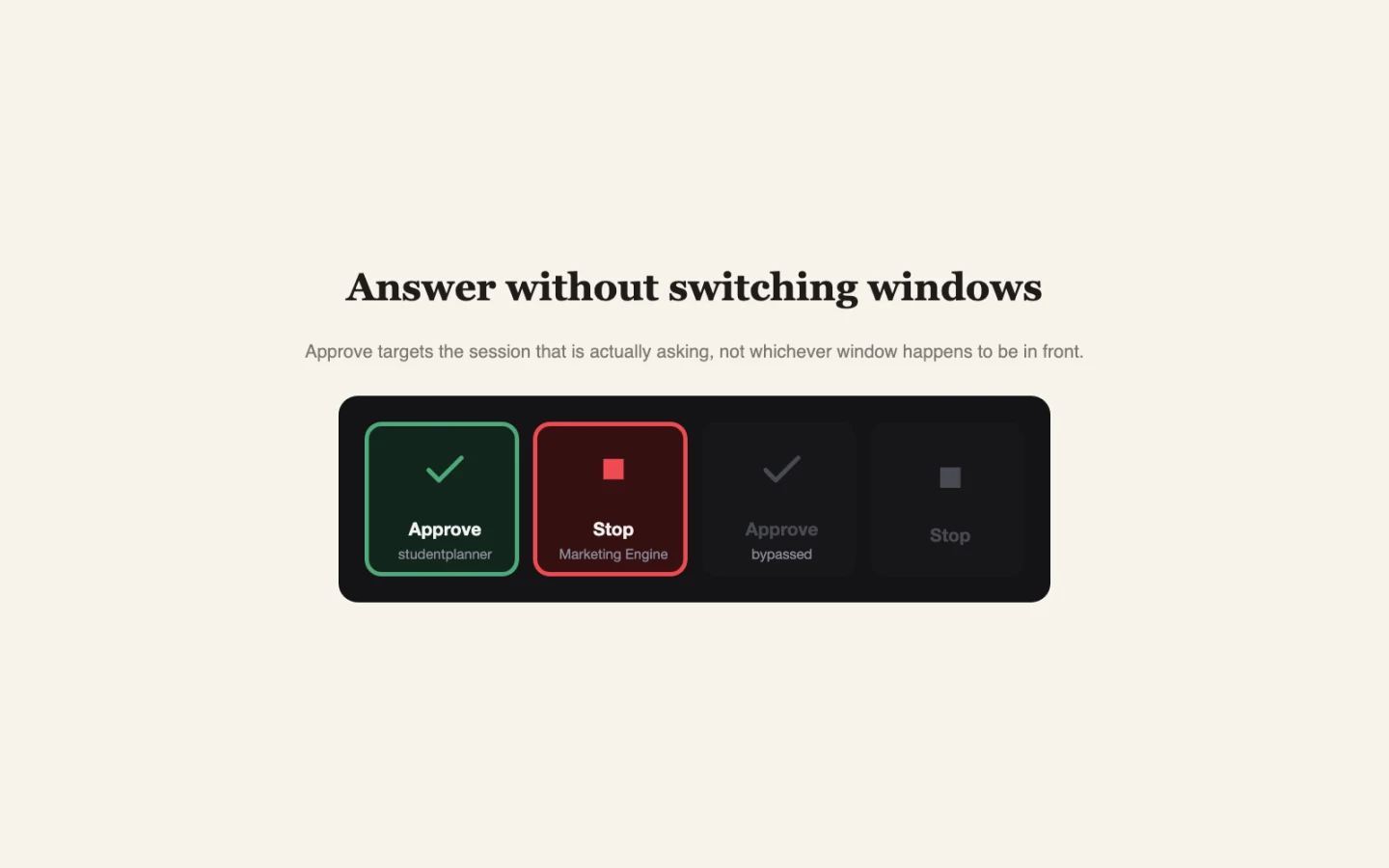
Approve the session that is asking
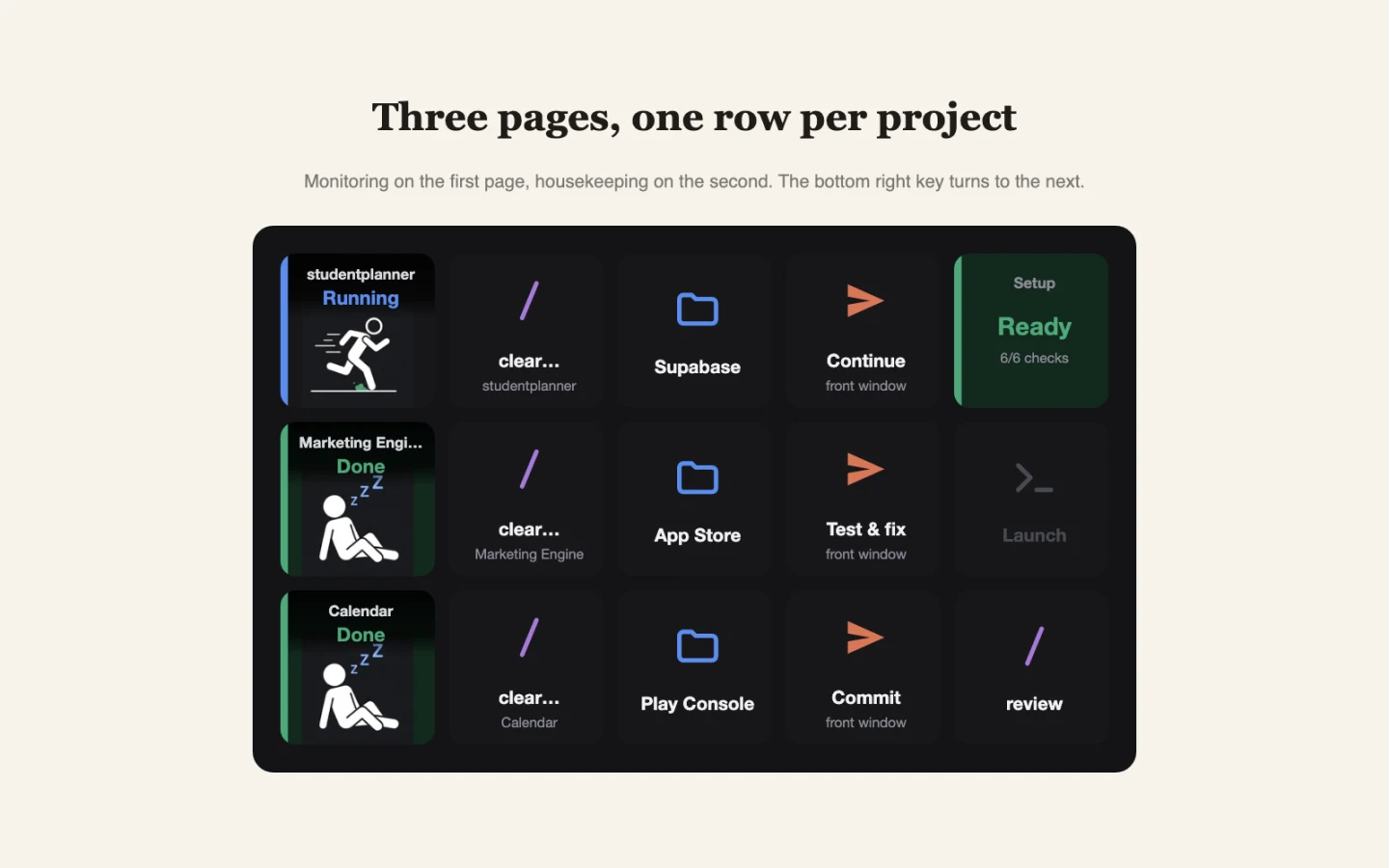
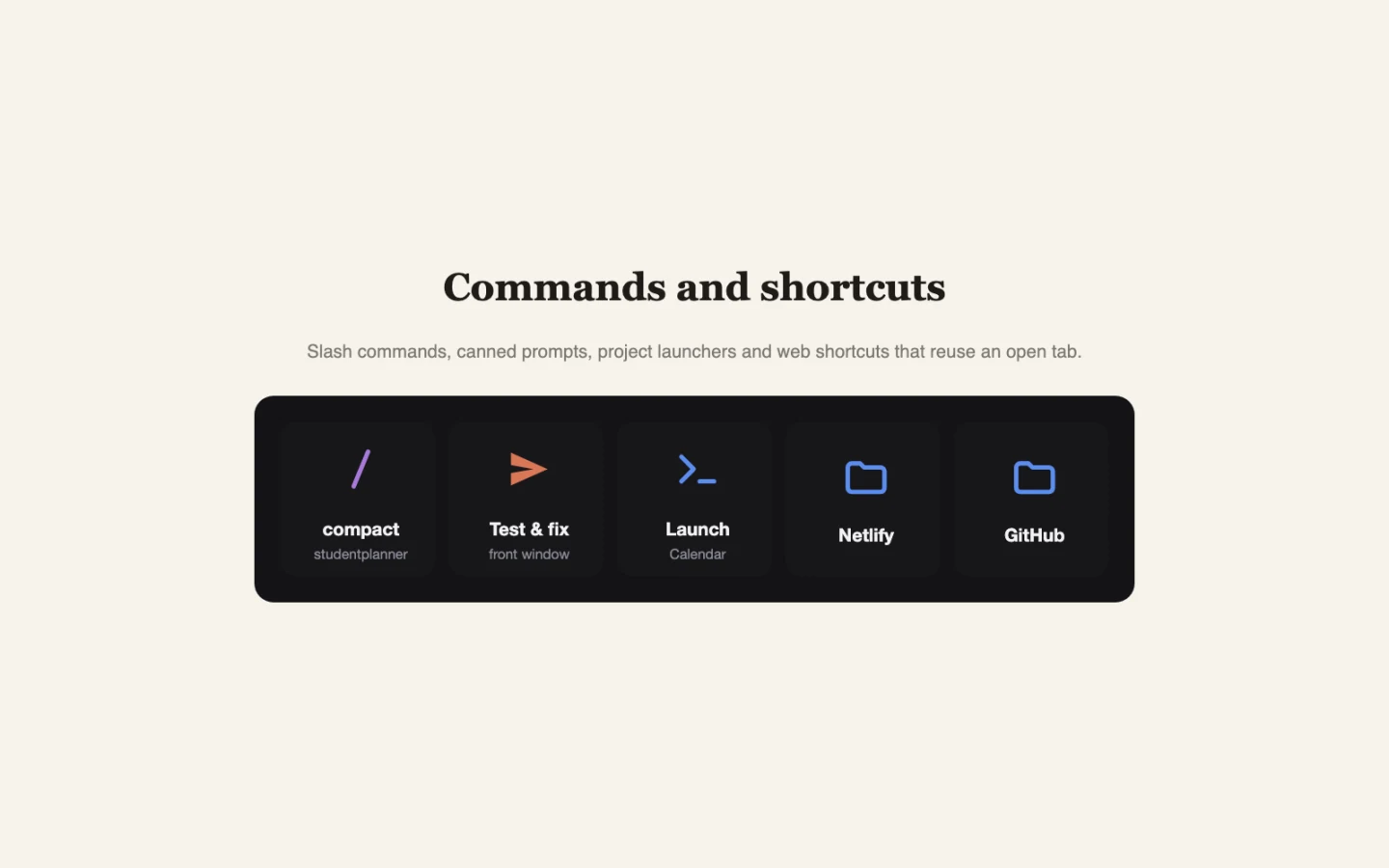
Each key targets the project it names, so Approve answers the right session rather than whichever window is in front.
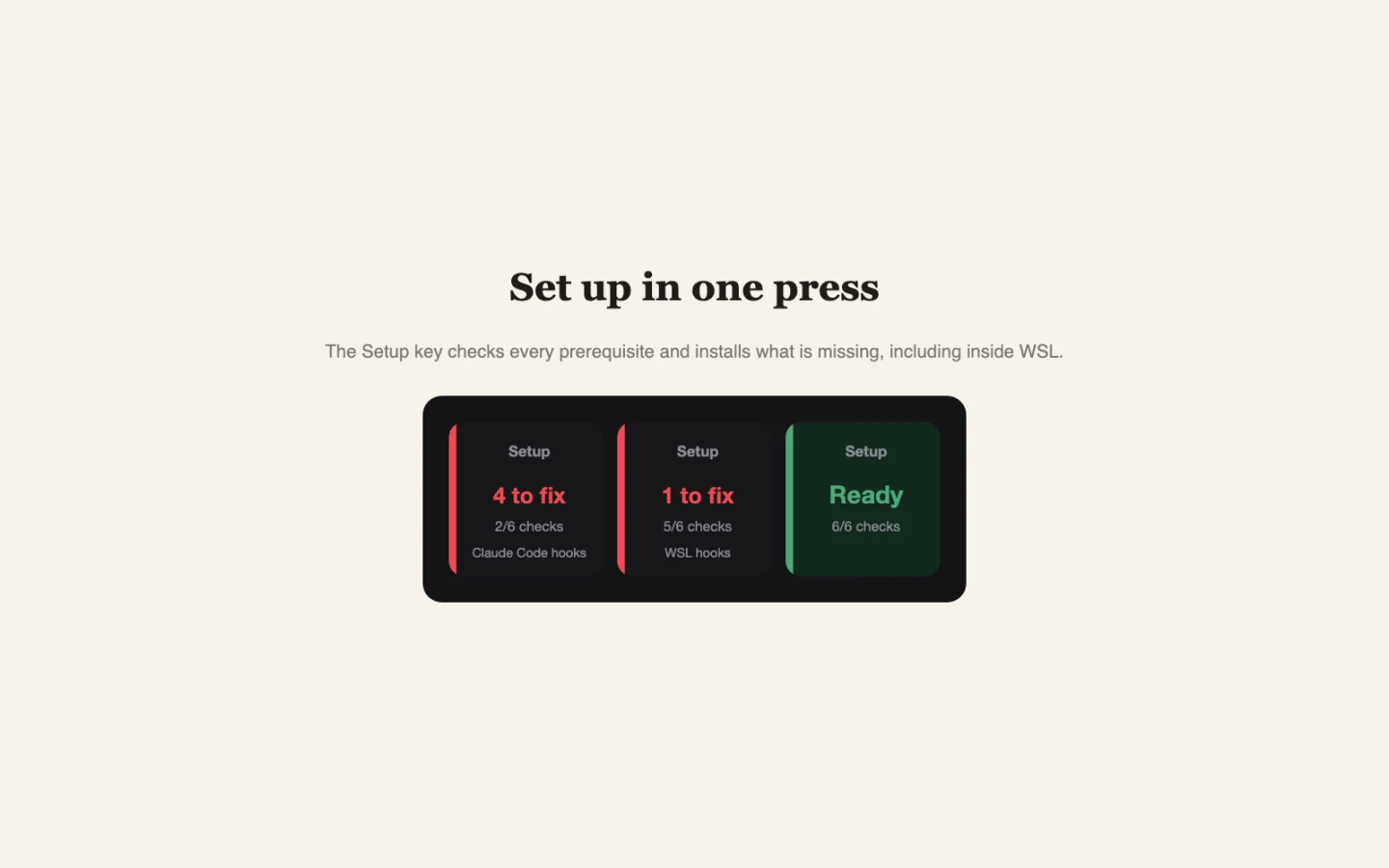
One press to install
The Setup key checks every prerequisite and installs what is missing, including inside WSL. It shows what it will change first.
A closer look
See it in action
Local by design. Nothing to sign up for.
Session state stays on your own machine. There is no account and no server of ours.
Nothing leaves your computer
No account, no analytics, no telemetry. The plugin listens on a local port gated on a token it generates and keeps session state in memory only.
One payment
EUR 1.99 once on the Elgato Marketplace. No subscription and no in-app purchases.
Every Claude Code session, on your keys.
€1.99 once. No subscription, ever.
Specifications
- Price
- €1.99 once
- Platforms
- macOS · Windows
- Requires
- Stream Deck 7.1 or later (The Stream Deck application, with a keypad device. Built and tested on the fifteen key MK.2 layout.) · Claude Code (The Setup key installs the hooks it needs for you.) · macOS 12 or Windows 10 or later · An editor or terminal running Claude Code (VS Code, Cursor, Windsurf or VSCodium or Terminal, iTerm, Ghostty, Warp, WezTerm, kitty or Alacritty.) · WSL, if that is where Claude Code runs (Optional. Setup detects your distributions and installs the hooks inside the one you choose.)
- Languages
- EN
- Category
- Business
What it changes on your machine
~/.claude/settings.jsonAdds hook entries for the session events the plugin listens to. Existing hooks are preserved and the file is backed up first. (reversible)~/.claude/hooks/streamdeck-notify.mjsAdds a small forwarder script. It always exits successfully and gives up after a second, so Claude Code is never held up. (reversible)~/.claude/streamdeck-bridge.jsonStores the local port and the access token the forwarder uses. (reversible)Your editor's keybindings.jsonAdds one shortcut so the plugin can focus the terminal panel. Only for editors that host a terminal. (reversible)
Permissions it asks for
- Accessibility (macOS): Types into your Claude Code session when you press Approve, Stop or a command key.
- Automation (macOS): Brings the right editor or terminal window to the front and opens web shortcuts in Chrome.
- Local network access (Windows): Windows may ask to allow the plugin's local port so that Claude Code inside WSL can reach it. Nothing is exposed to the internet.
Questions
What do I need before installing?
Stream Deck 7.1 or later, Claude Code and macOS 12 or Windows 10 or later. Claude Code can be running in VS Code, Cursor, Windsurf, VSCodium or in a terminal.
Does it work with Claude Code inside WSL?
Yes and on Windows that is the tested path. Setup lists your distributions and installs the hooks inside the one you choose. Start a new session afterwards, because hooks are read when a session starts.
How many projects can it show at once?
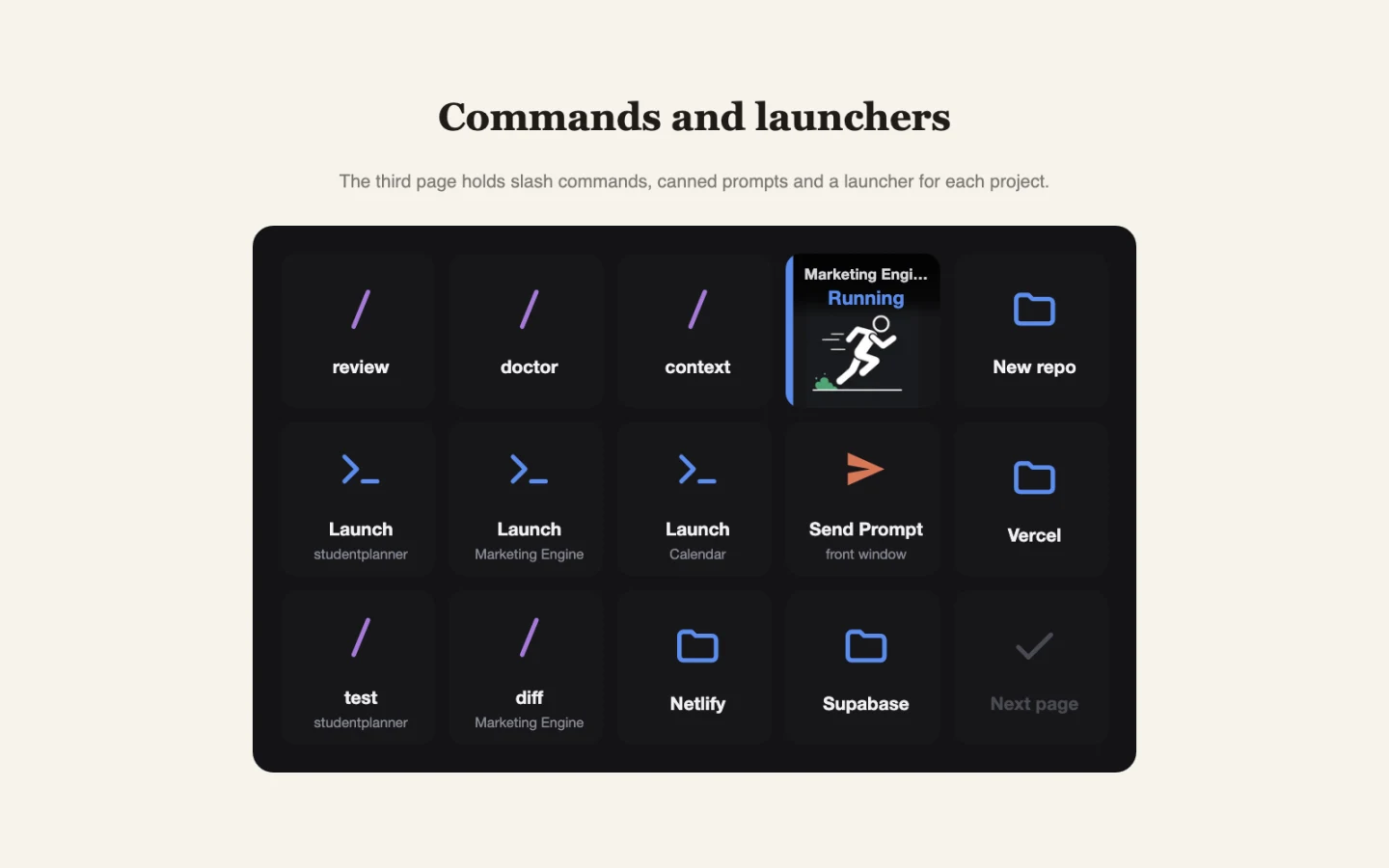
The starter layout gives three projects a row each on a fifteen key deck, across three pages. A session claims its row when it starts and keeps it, so a row always means the same project.
What does it change on my machine?
It adds hook entries to ~/.claude/settings.json, a small forwarder script beside it, a file holding the local port and token and one editor keybinding. Everything it touches is backed up first and can be removed from the Setup key.
Can it see my code or my conversation?
The forwarder passes Claude Code's own hook payloads to the plugin over a local connection and those can include prompt text and tool inputs such as file paths. The plugin reads only what it needs to paint a key and ignores the rest. Nothing is written to disk and nothing is sent off your machine.
Is there a trial?
No. The Elgato Marketplace has no trial mechanism, so it is EUR 1.99 once.