 Daypages
Daypages
The day planner that feels like paper.
Not another busy calendar app, and not a paper planner you abandon by March. Swipe, and tomorrow turns over like a real page. A diary you keep, not a calendar you clear.

Everything it needs.
Nothing it doesn't.
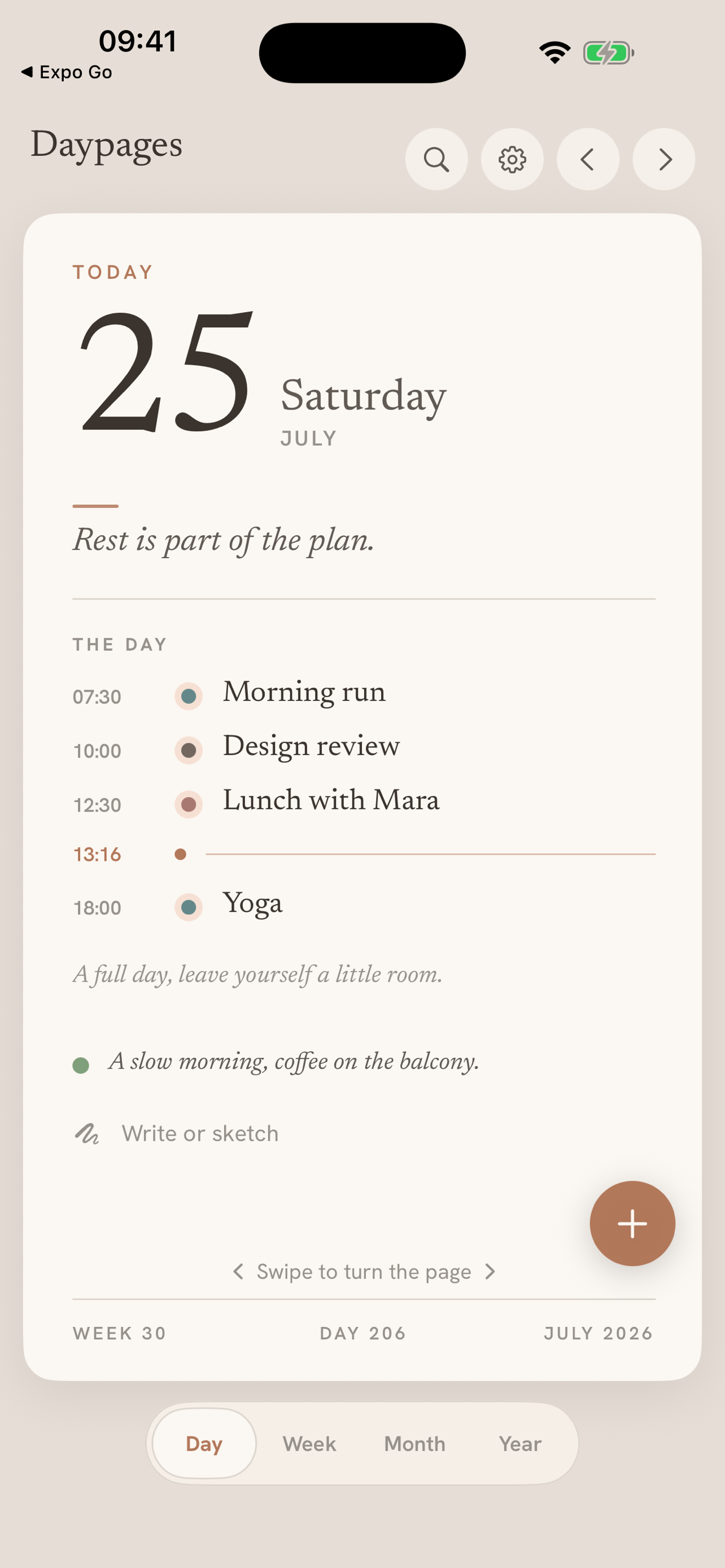
One page per day, planned in the morning and kept as a diary at night: that's the whole idea.
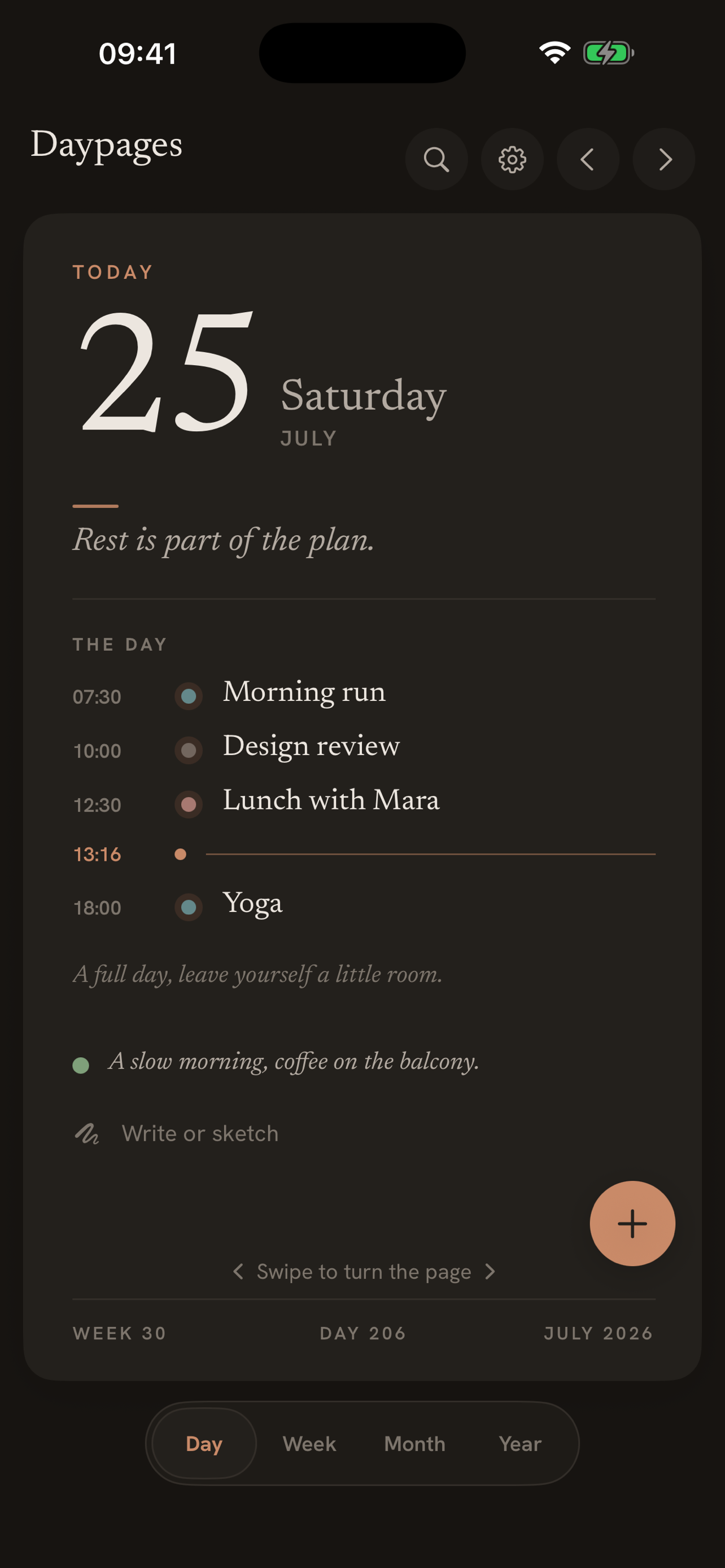
Turn the page on your day
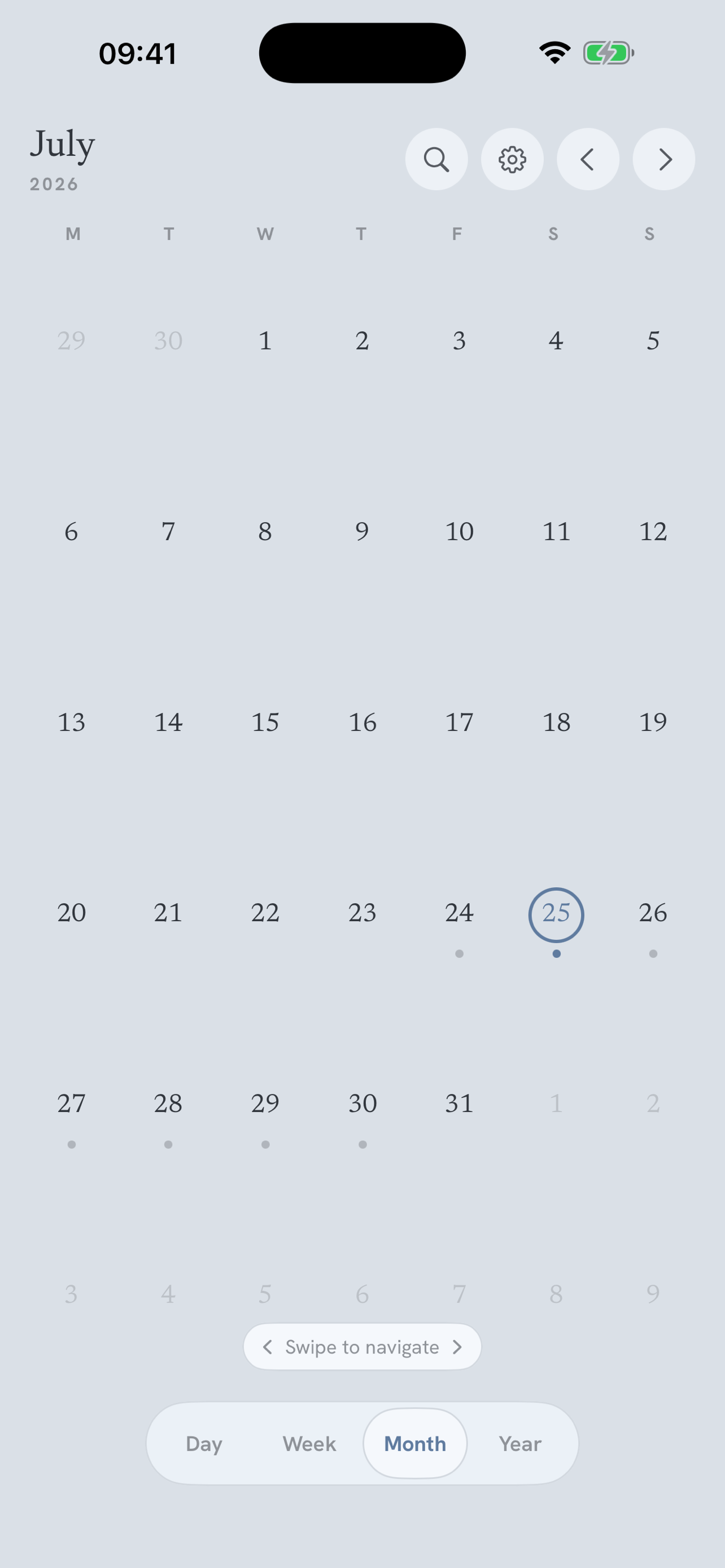
Swipe between days and the page turns like real paper. No sign-up: open the app and turn your first page in under a minute.
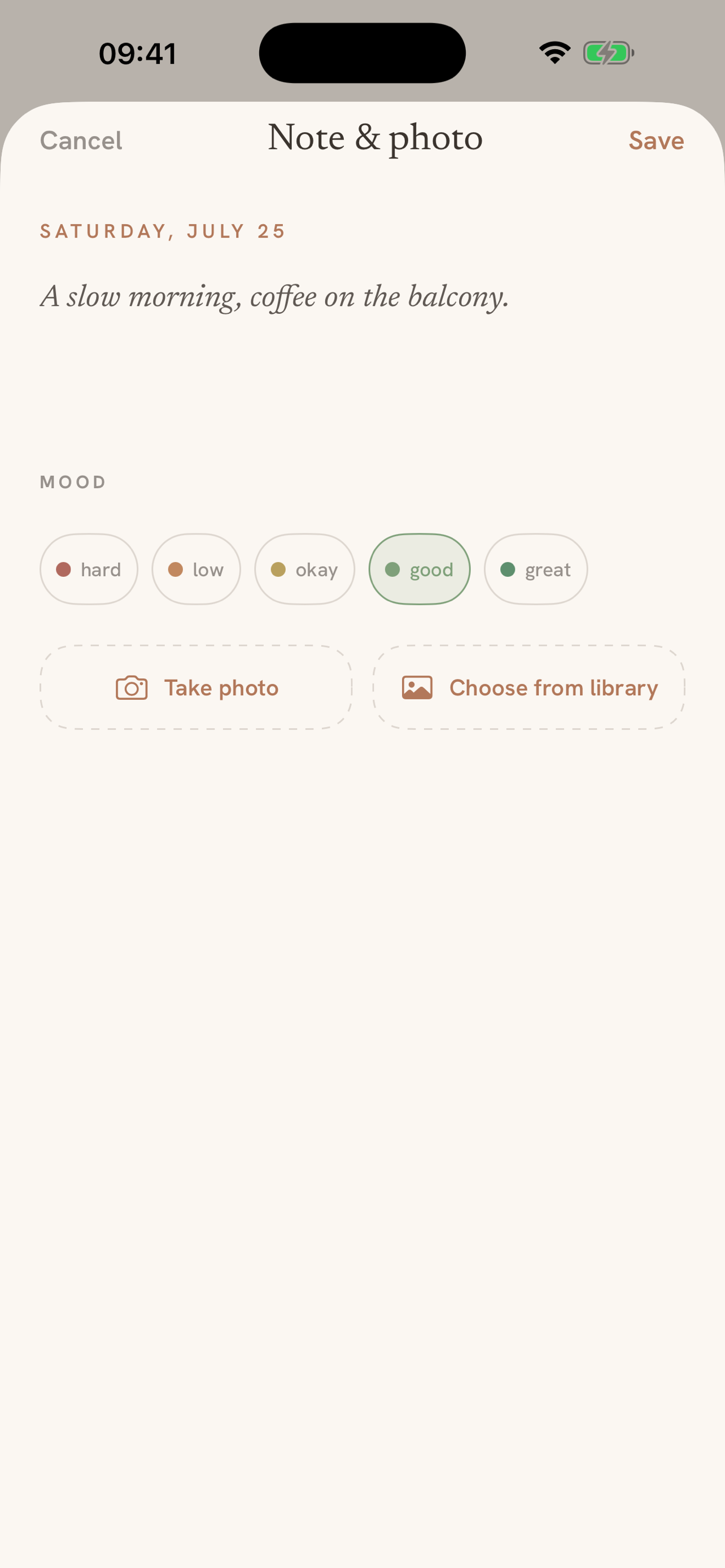
Keep the day, not just plan it
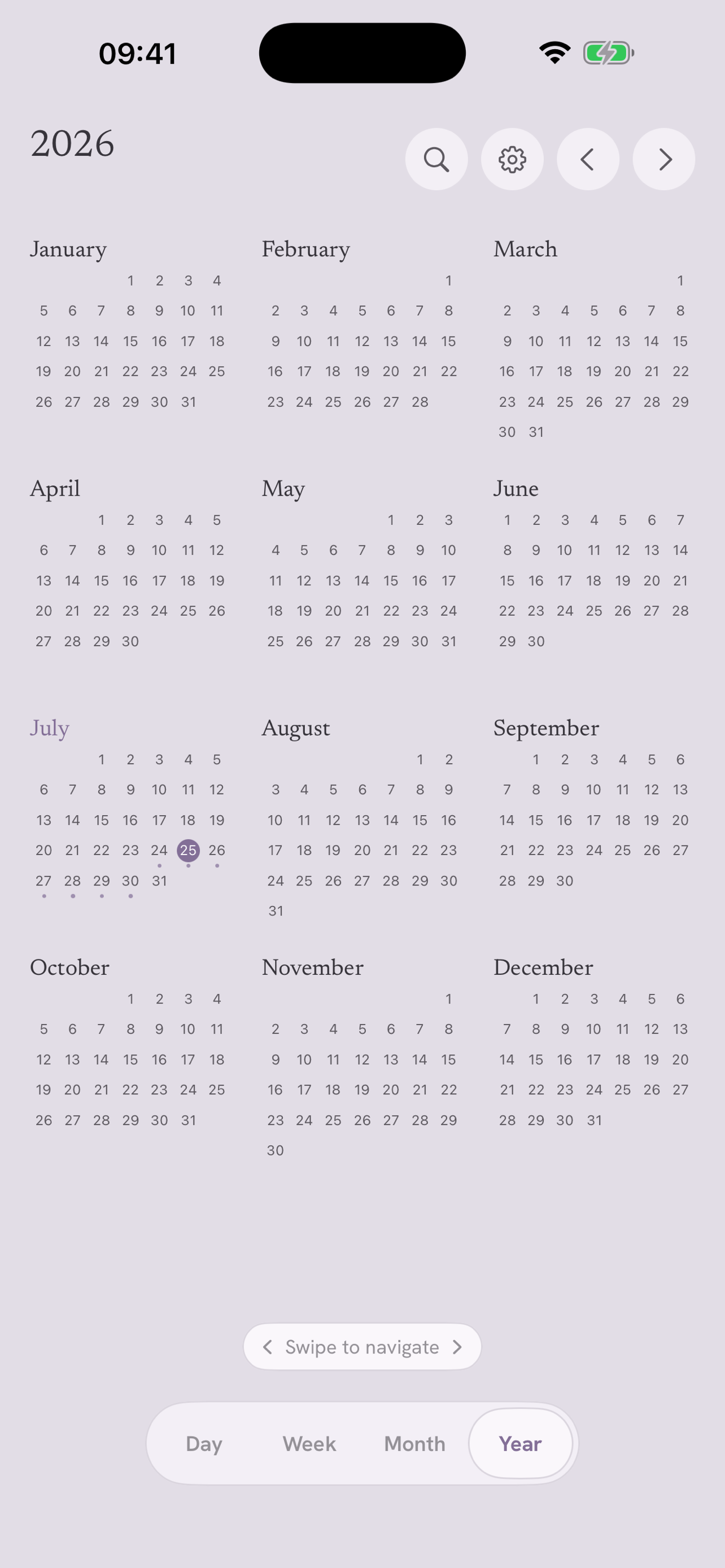
Add a note, a mood, a photo or a sketch to any day, and keep the year as a book.
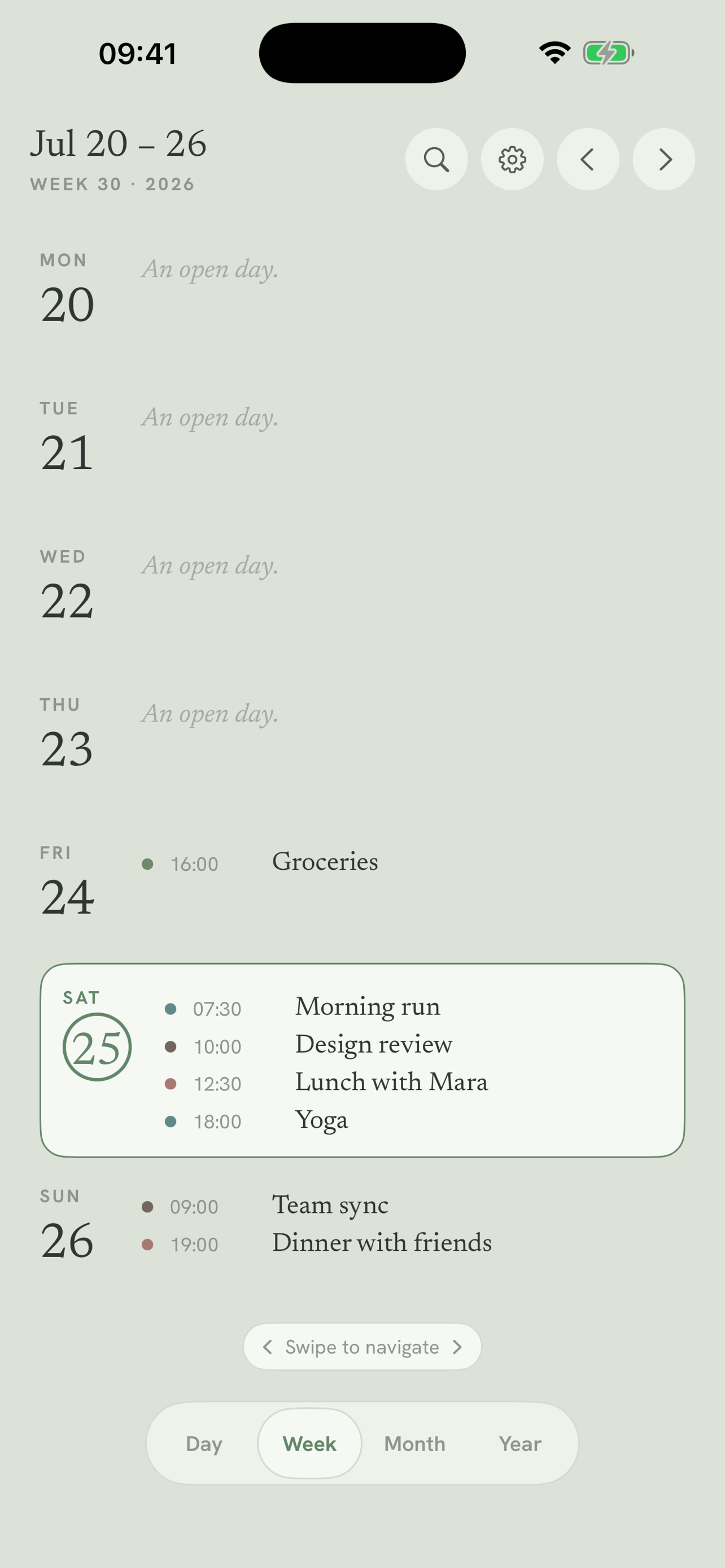
Your other calendars, on the page
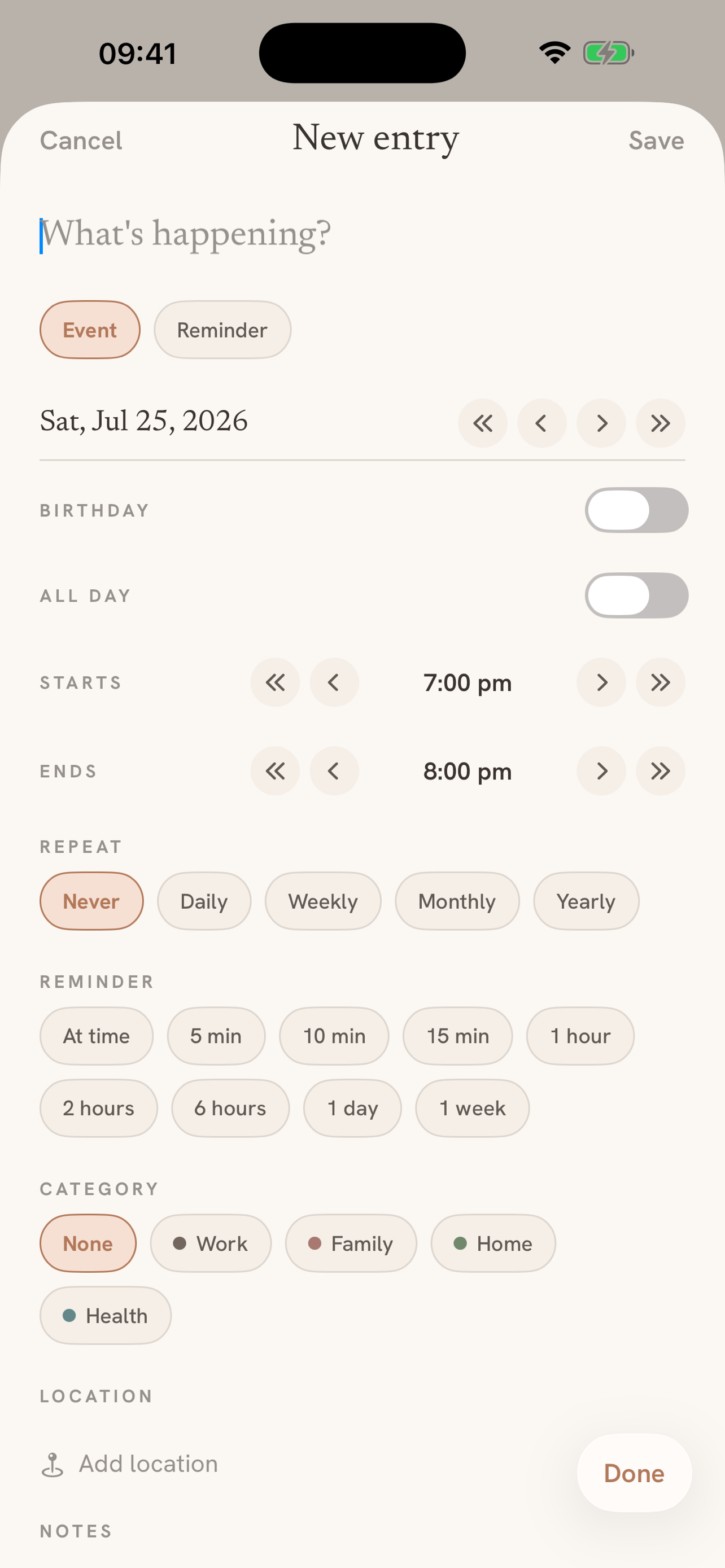
Google, iCloud and Outlook events appear on the page, and new events you add sync back.
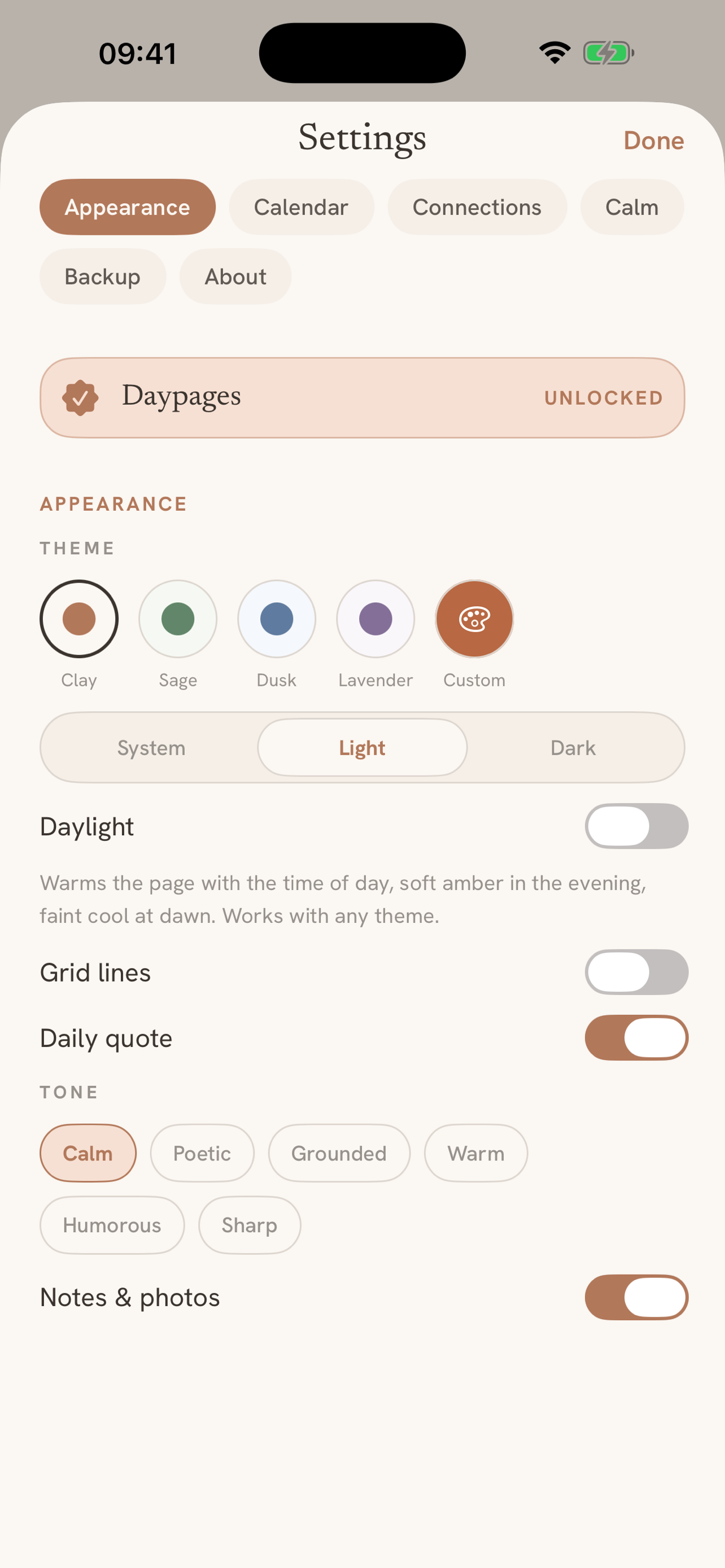
Four calm themes, plus your own colour
Choose a calm palette or dial your own hue on the colour wheel.
A closer look
See it in action
Calm by design. Private by default.
No backend, no accounts, no cloud that isn't yours. Beautiful in the light, and just as calm in the dark.
Nothing leaves your device
No account, no analytics, no third-party trackers. What you write stays with you.
One calm payment
Three days free with everything unlocked, then a single purchase at your local store price. No subscription, ever.
Kind words
Loving the Daypages app, the week view is spot on. A big shoutout for genuinely listening to the community and turning feedback into updates this quickly.
Daypages’ paper-like interface is beautifully calm, perfect for private planning.
You’ve designed it to feel more like a calm space than a busy calendar, something people would genuinely enjoy coming back to.
The day planner that feels like paper.
Free for 3 days, then €3.99 once. No subscription, ever.
Specifications
- Price
- €3.99 once
- Trial
- 3 days free
- Platforms
- iOS · Android
- Languages
- EN · NL · DE · FR · ES · IT · PT · SV · NB
- Category
- Productivity
Questions
Is Daypages a subscription?
No. Free for three days, then a one-time purchase. No subscription, ever.
How does the 3-day trial work?
Download free and use everything for three days, no payment details upfront. Your pages and entries are kept, and a single purchase unlocks the app for good.
Does Daypages work offline?
Yes. Everything lives on your device, no account needed.
Do I need to buy it again on another platform?
Yes: iPhone and Android are separate purchases in their own stores. Your pages travel between them with the portable backup file.
Can I export or back up my entries?
Yes. Export a portable Daypages archive of everything, share events as standard calendar files, or print a year as a PDF book. Android also keeps an automatic nightly backup.
What happens when I get a new phone?
On iPhone, iCloud sync or the archive brings everything across. On Android, restore the automatic backup or import the archive. The same archive also moves you between platforms.
Guides
- Daily planner app that feels like paper on iPhone, iPad and Mac
What makes a planner feel like paper and how to get that on iPhone, iPad and Mac, from Apple's free apps to notebook apps and Daypages.

