 SeconDock
SeconDock
A real Dock on every display.
macOS gives you one Dock, on one screen. SeconDock puts a real one on every other display and mirrors your apps automatically. Your Mac's own Dock stays exactly where it is, badges and all.
Everything it needs.
Nothing it doesn't.
A second Dock that mirrors your own, plus the window controls macOS never gave you.
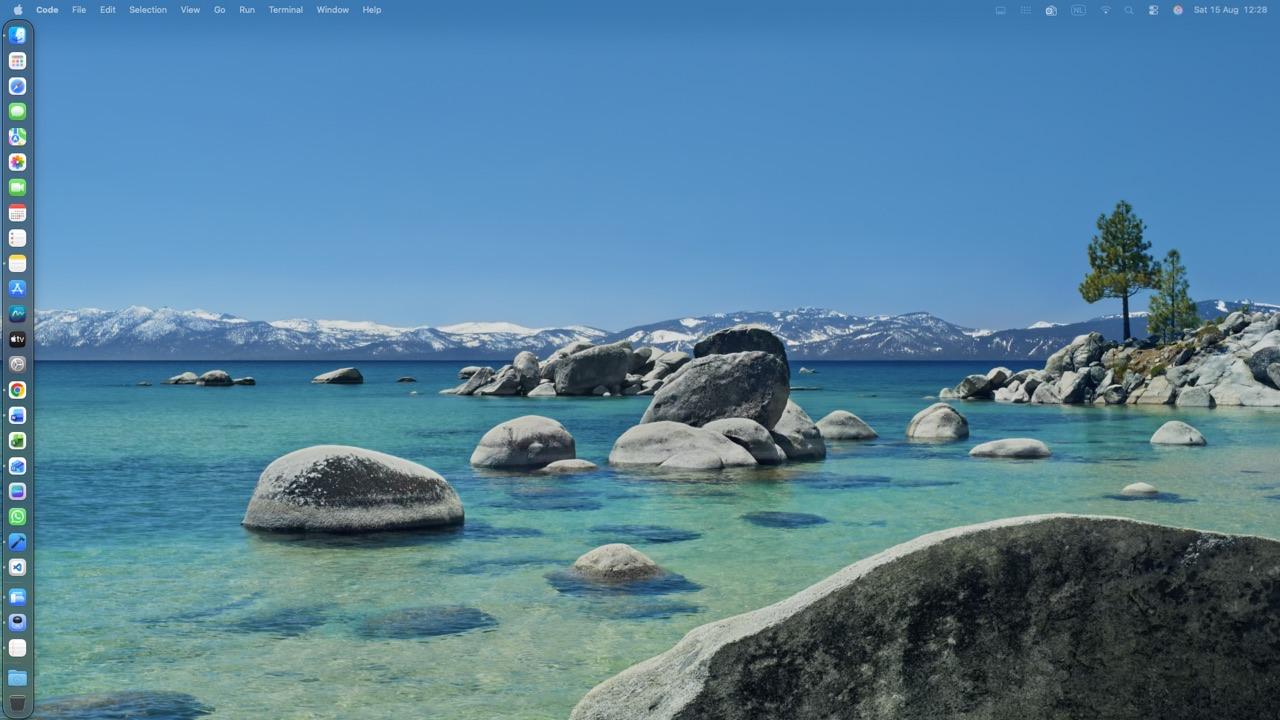
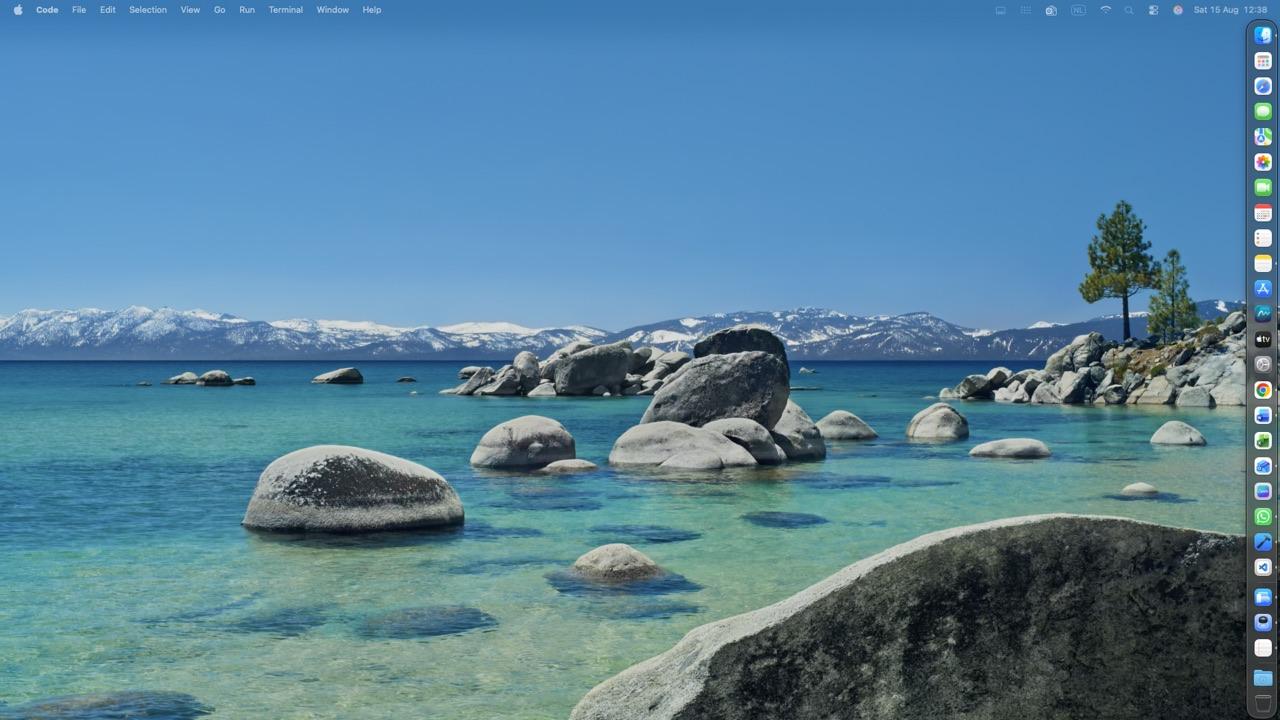
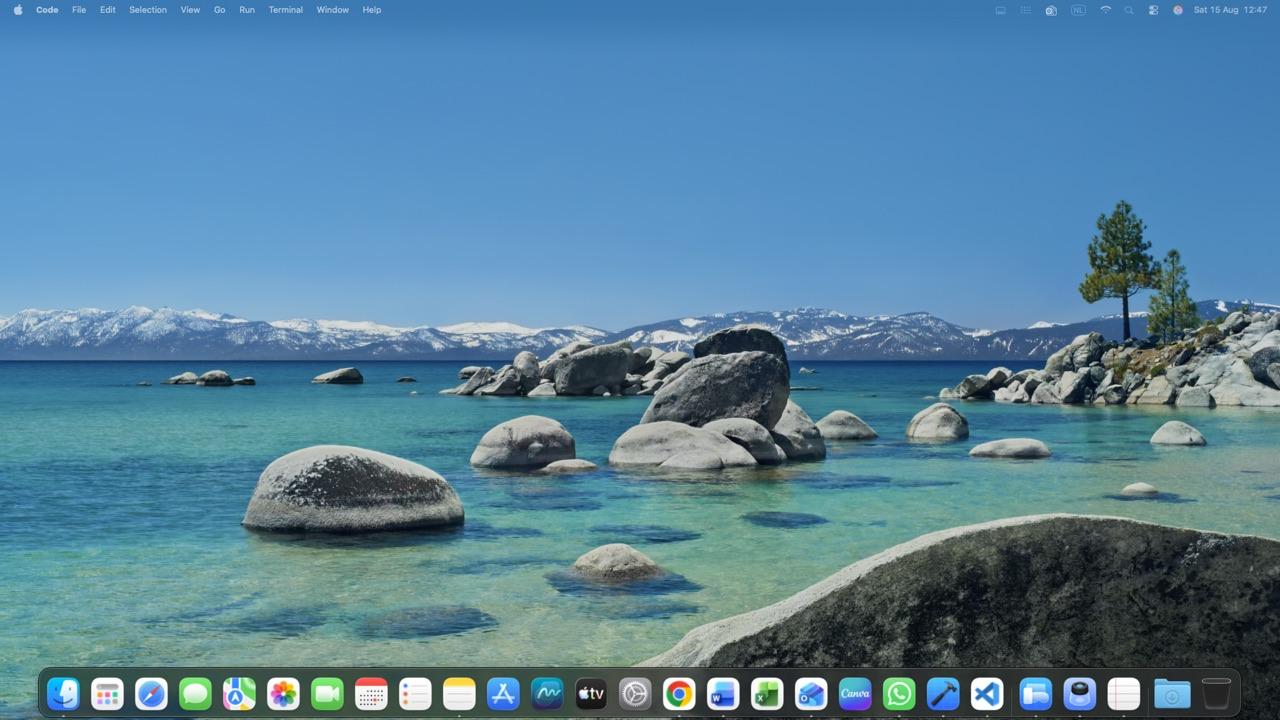
A real Dock on every screen
macOS gives you one Dock. SeconDock adds one to every display that does not have it.
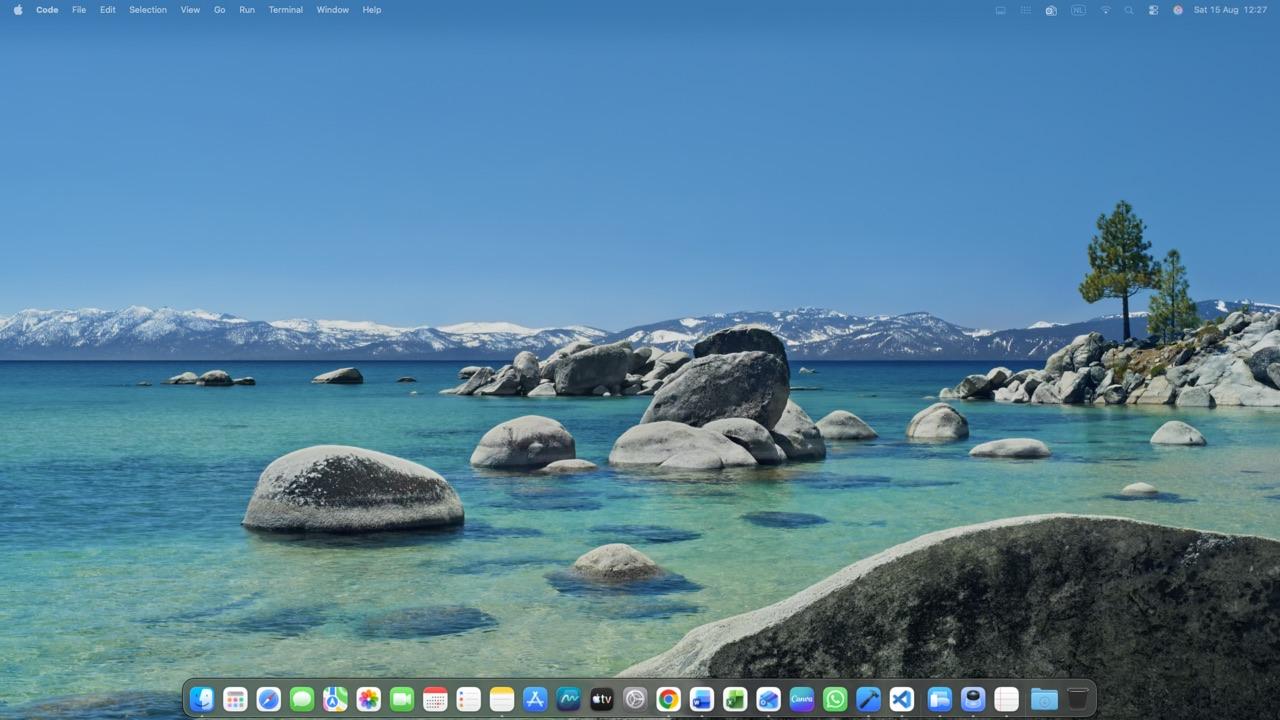
It mirrors your Dock for you
Same apps, same order, updated live. Or keep a different Dock on each screen.
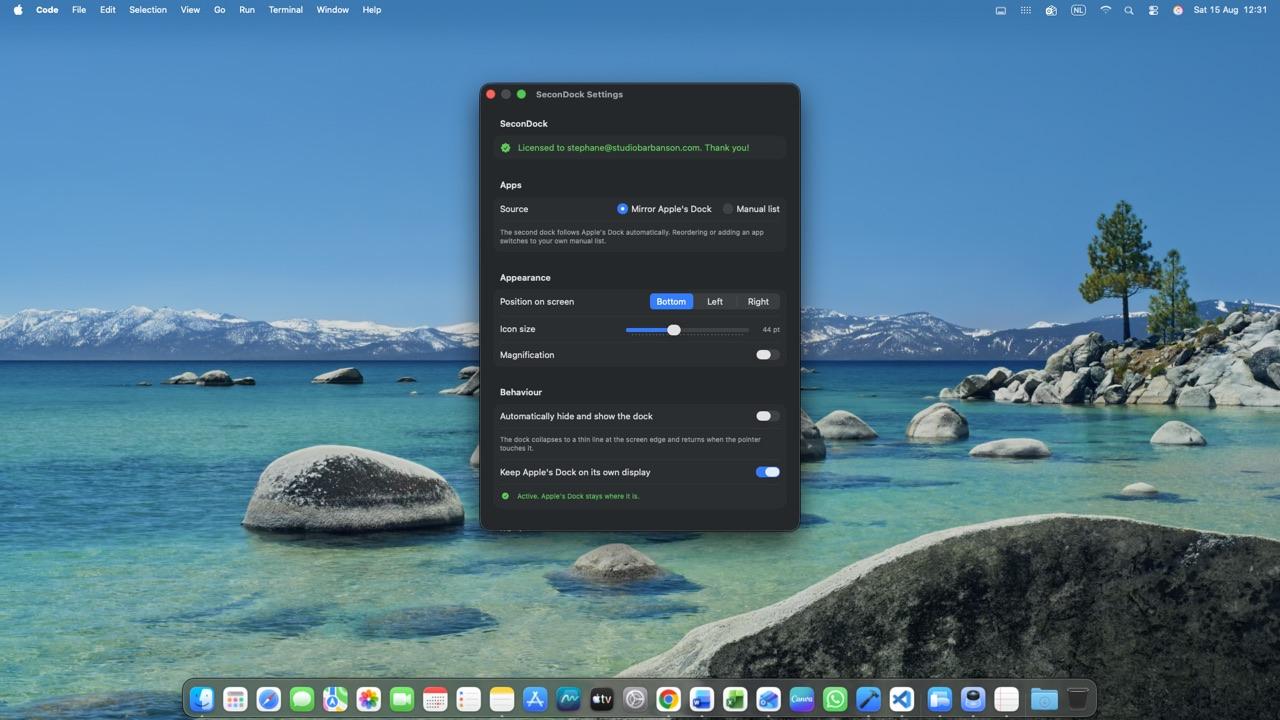
Send windows where you want them
Anchor Apple's Dock to one screen, open apps on this display, or pull a window over.
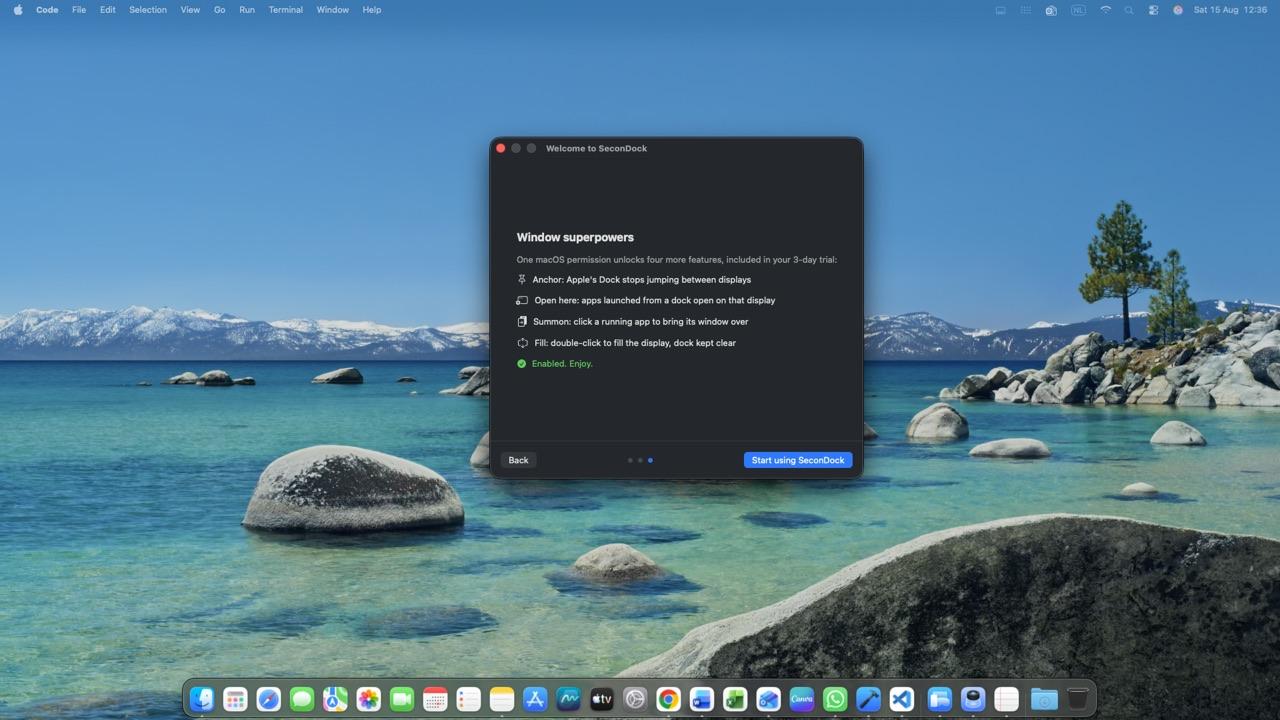
Magnify, hide, place it your way
Parabolic magnification, auto-hide, bottom or either side. Liquid Glass on macOS 26.
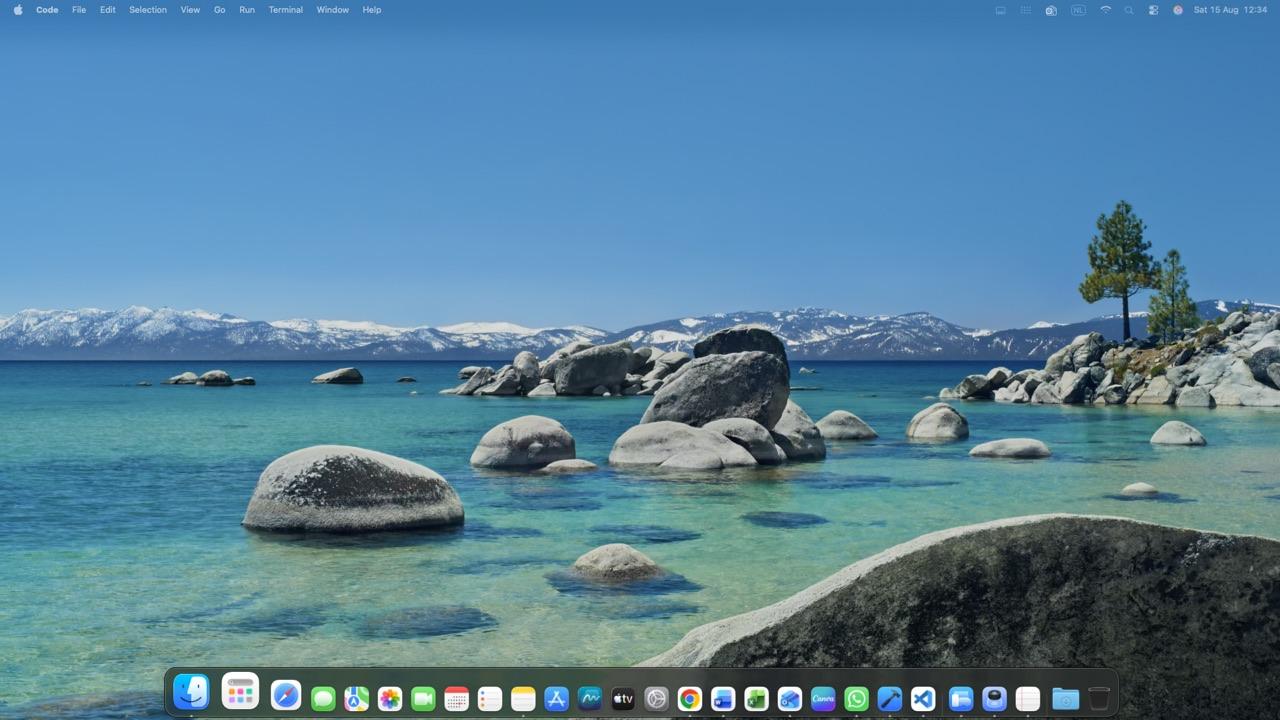
A closer look
See it in action
Yours, and only yours.
No account, no tracking, no cloud.
Nothing leaves your Mac
No account, no analytics, no network. SeconDock reads your Dock and nothing else.
One calm payment
Free for 3 days, then EUR 9.99 once. No subscription, ever.
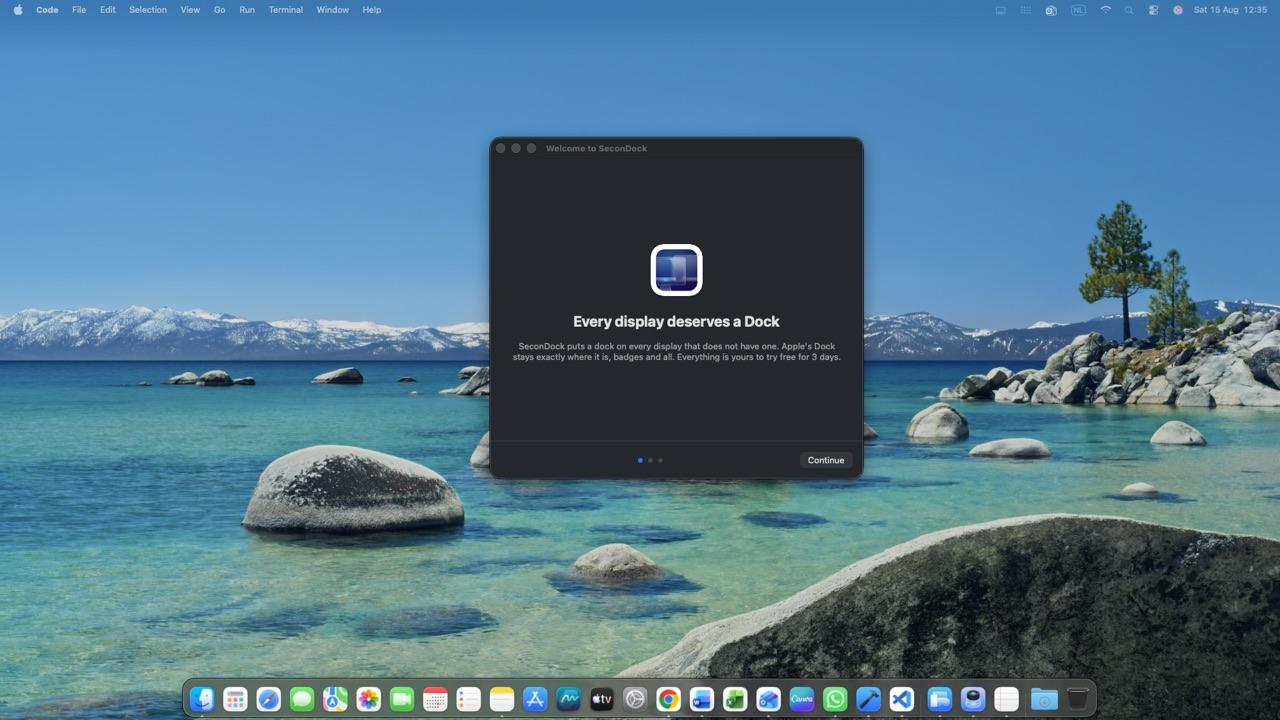
A real Dock on every display.
Free for 3 days, then €9.99 once. No subscription, ever.
Specifications
- Price
- €9.99 once
- Trial
- 3 days free
- Platforms
- macOS
- Requires
- A Mac with Apple silicon (Intel Macs are not supported) · macOS 15 Sequoia or later (Native Liquid Glass on macOS 26 Tahoe)
- Languages
- EN
- Category
- Productivity
What it changes on your machine
Login Itemsadds SeconDock when you turn on Launch at Login (reversible)
Permissions it asks for
- Accessibility (macOS): optional: anchors Apple's Dock and moves windows between displays
Questions
Can I get the Dock on my second monitor on a Mac?
Yes. macOS shows its Dock on one display at a time. SeconDock adds a real Dock to your second monitor and every other display, mirrors the apps you already have and leaves Apple's Dock exactly where it is.
Why does my Dock keep jumping to my other monitor?
With Displays have separate Spaces on, macOS moves its one Dock to whichever display you rest the pointer on at the bottom edge. SeconDock can anchor Apple's Dock to one display so it stops jumping, while every other display gets its own Dock.
Does SeconDock replace my Mac's Dock?
No. Your Dock stays exactly where it is, badges and all. SeconDock only adds a Dock to the displays that do not have one.
Which Mac and macOS do I need?
A Mac with Apple silicon and macOS 15 Sequoia or later. Intel Macs are not supported. On macOS 26 Tahoe you also get the native Liquid Glass look.
Does it need any permissions?
The second Dock itself needs none. Accessibility is only requested if you turn on one of the optional window features: anchoring Apple's Dock, opening apps on the display you launch them from, pulling a window over or filling a display.
Will a maximised window go behind the Dock?
It can. macOS reserves screen space only for its own Dock, so a maximised window may run underneath SeconDock. Turn on auto-hide to keep the whole display free.
Can each screen have a different Dock?
Yes. Mirror your Dock automatically or curate a separate list of apps for each display.
Is it a subscription?
No. Free for 3 days, then a one-time EUR 9.99 that includes twelve months of updates. The app keeps working after that.
Can I use it on more than one Mac?
Yes. One licence works on all your Macs, with no activation and no device limit.
Does it send my data anywhere?
No. SeconDock runs entirely on your Mac: no account, no analytics and no network connection. Even the licence check works offline.
Guides
- Mac Dock on a second monitor: stop it jumping screens
The Dock jumps to whichever screen your pointer touches. How to keep it on the display you want, the built-in settings that help and how to show a Dock on every monitor at once.

